Settings
API keys
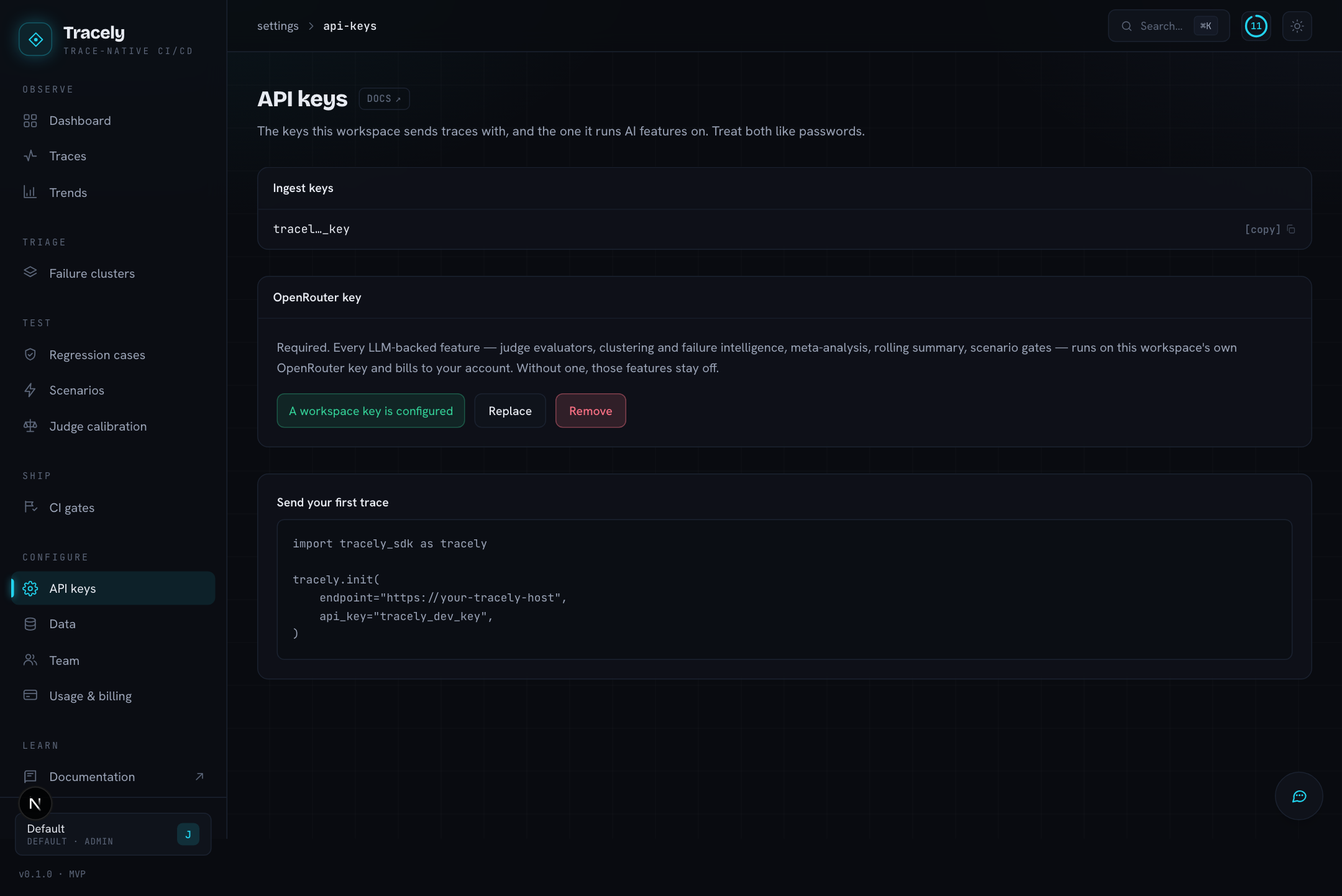
Ingest keys are what your agents send traces with (Authorization: Bearer <key> on POST /v1/traces), and what the CLI and the MCP server authenticate with. Create one per environment or per service; revoke it and the traffic stops. The panel shows the exact snippet to send your first trace.
OpenRouter key is the key every AI feature of the workspace runs on — Tracely is bring-your-own-key:
| Feature | Uses the workspace key for |
|---|---|
| LLM-judge evaluator columns | every grade |
| Analyze failures | the embeddings, the issue write-ups and the consolidation pass |
| Suggested evaluators, Use AI in Add Column | drafting the column |
| Cross-metric analysis | the synthesis on top of the statistics |
| Scenarios | the attacker (adversarial) and the turn graders |
| Judge calibration | needs a judge to calibrate |
Without a key those features degrade rather than fail: structural evaluators still grade, structural clusters still form, the cross-metric analysis runs stats only. A key with no credits behaves the same way as no key — the call fails, the feature falls back — so if a panel says stats only or Add an OpenRouter key first while a key is configured, check the key’s balance on openrouter.ai.
The one exception is the assistant: its model runs on Tracely’s key so it works before you have configured anything. Its tools still act as you.
Data
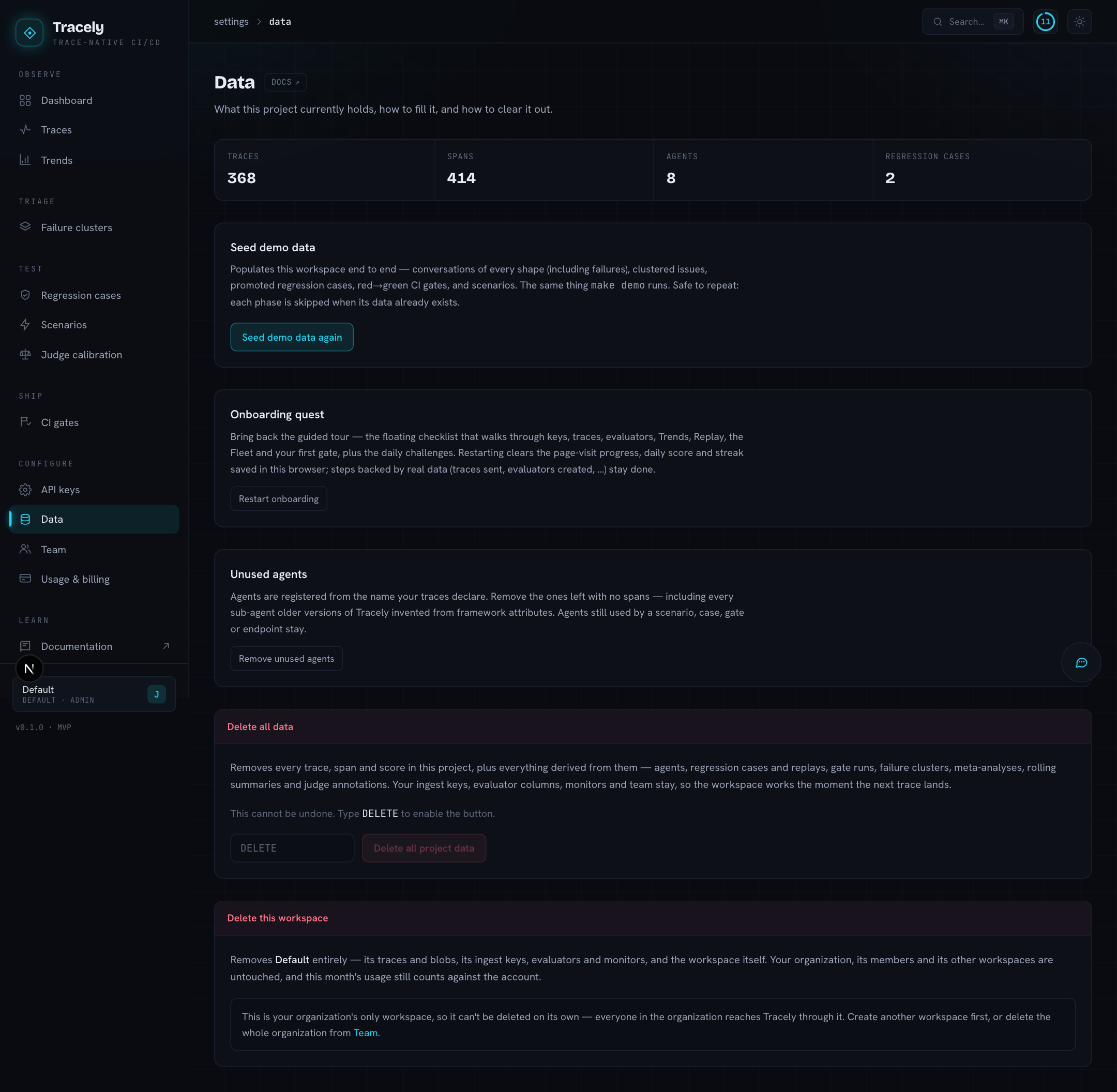
- What the project holds — traces, spans, agents, cases.
- Seed demo data — populate an empty workspace with synthetic conversations of every shape (RAG, multi-agent, multimodal, tool errors, hallucinations), then clusters, cases and gates, so every screen explains itself.
- Unused agents — agents that were registered but have no traces; prune them to keep pickers short.
- Reset the quest — start the onboarding quest over.
- Danger zone — delete all project data, with typed confirmation. Keys, members and the project itself survive; everything derived from traces goes.
Team
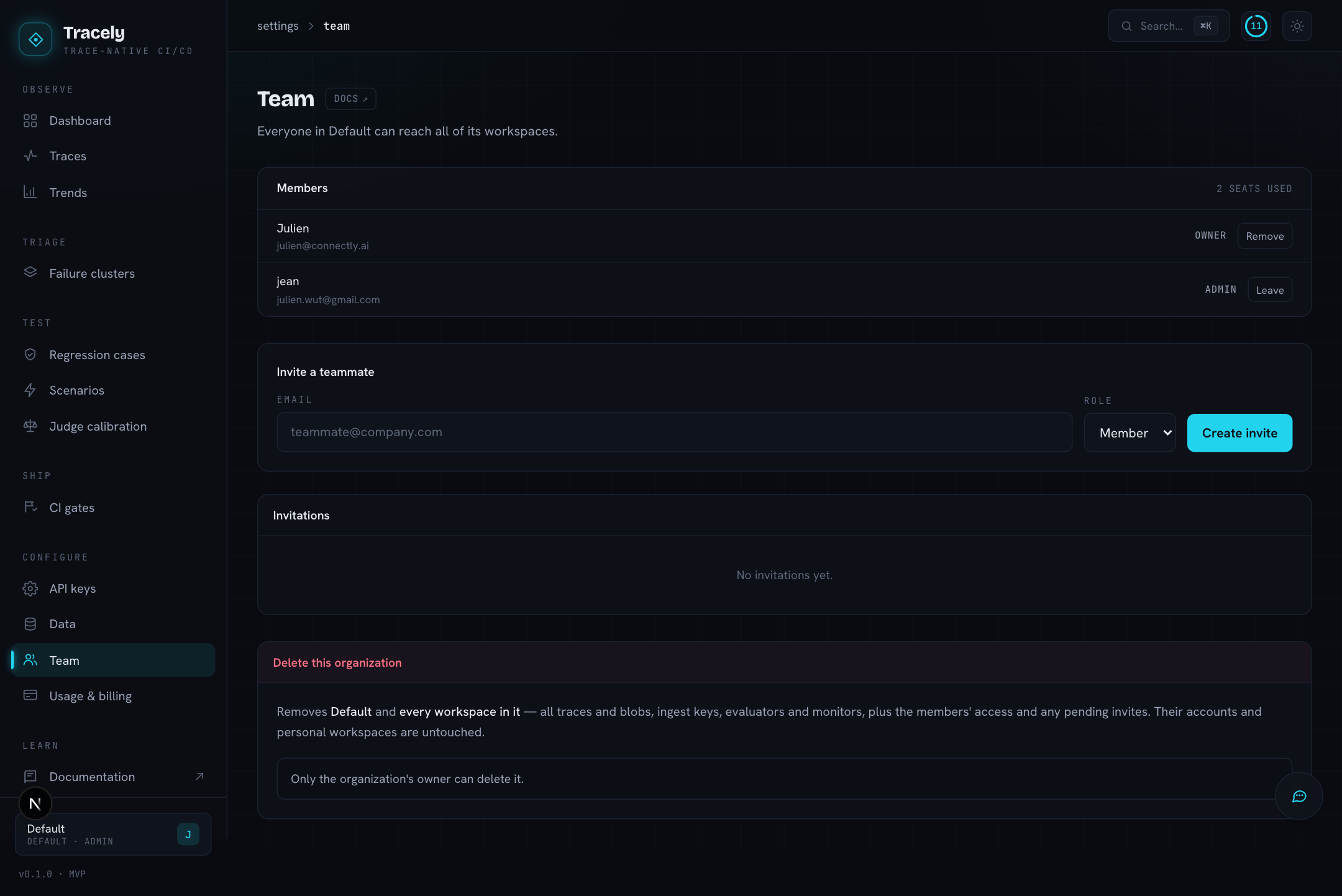
Workspaces belong to an organization; everyone in the organization reaches all of its workspaces. Invite by email (the invitation link signs the person up or in), set a role, revoke an invitation that has not been accepted. A personal account holds a single workspace and cannot be shared — create a company organization to collaborate.
Usage & billing
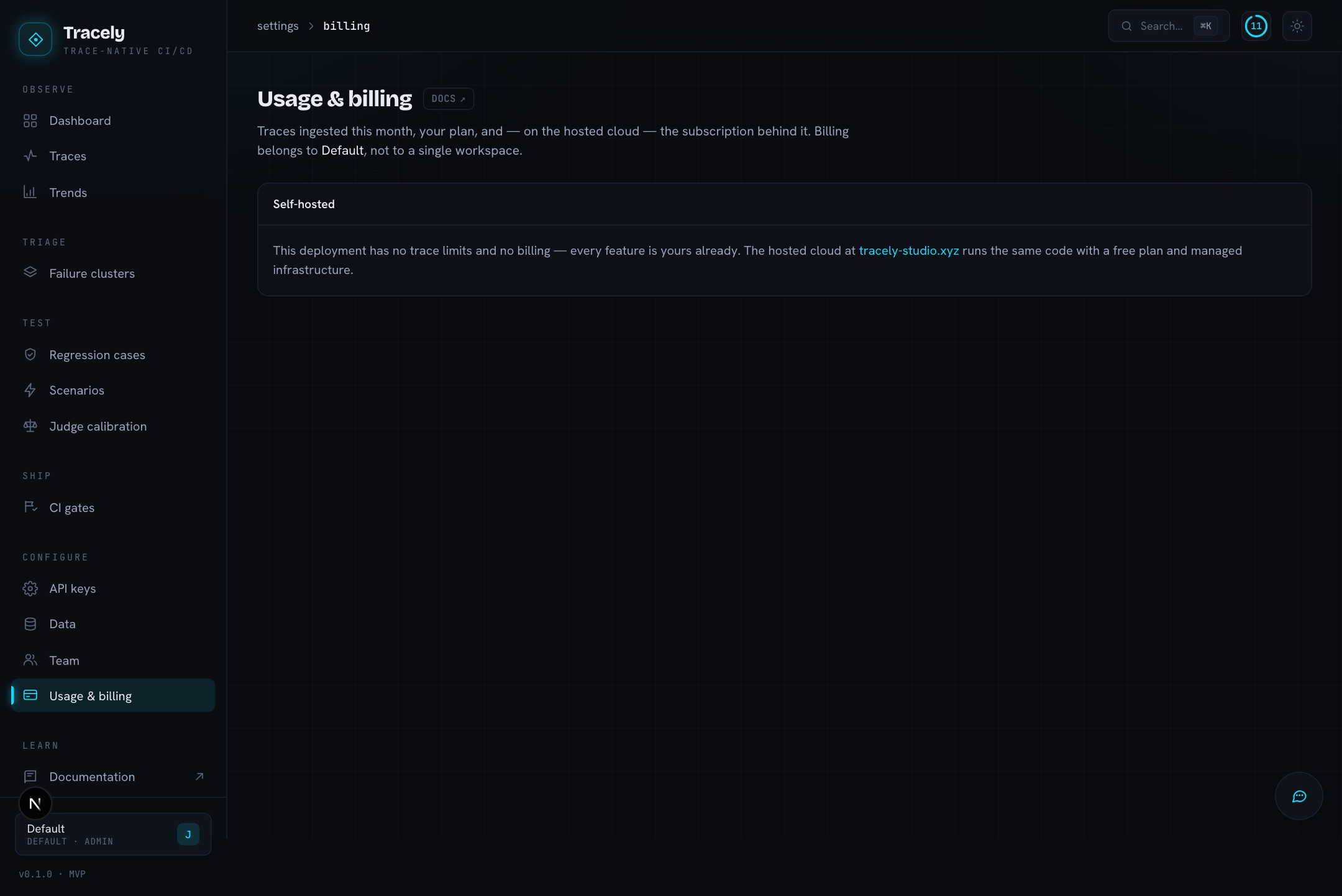
Traces ingested this month against the plan’s quota, and — on the hosted cloud — the subscription behind it. Billing is per organization, so every workspace in it draws on the same quota. A self-hosted install shows Self-hosted here and has no quota.
Account
Your email, and a password change in local-auth mode.